LetMeShip Shipping Assistant: check rates in your browser
Enter your shipment once and continue booking on LetMeShip Next with the form already filled in. Free for business customers, no account needed in the extension.
 Add to Chrome
 Add to Edge
 Add to Firefox
At a glance
Key facts about the Shipping Assistant
The Shipping Assistant is a free browser extension for business customers. Enter route, shipment type and dimensions once, then continue booking on LetMeShip Next with the form pre-filled. For parcels, the extension calculates girth, volumetric weight and billable weight and shows whether the shipment stays within the limits of DHL Express, DPD, UPS and FedEx. Available for Chrome, Edge and Firefox; in the stores it is listed as “LetMeShip – Versand-Assistent”. No account, no data transfer.
Installation
Installed in 3 steps

Open the store
Choose the button for your browser: Chrome Web Store, Microsoft Edge Add-ons or Firefox Add-ons.

Confirm the installation
Your browser shows the required permissions and installs the extension once you confirm.

Pin the icon
Use the puzzle-piece icon in the toolbar to pin the Shipping Assistant. It is then always one click away.
Price check
Enter your shipment once, book it pre-filled
You enter route, shipment type and dimensions just once. One click opens the booking on LetMeShip Next with every detail in the form, and you start the rate comparison there. Your last selection is saved, so recurring routes are ready in two clicks.
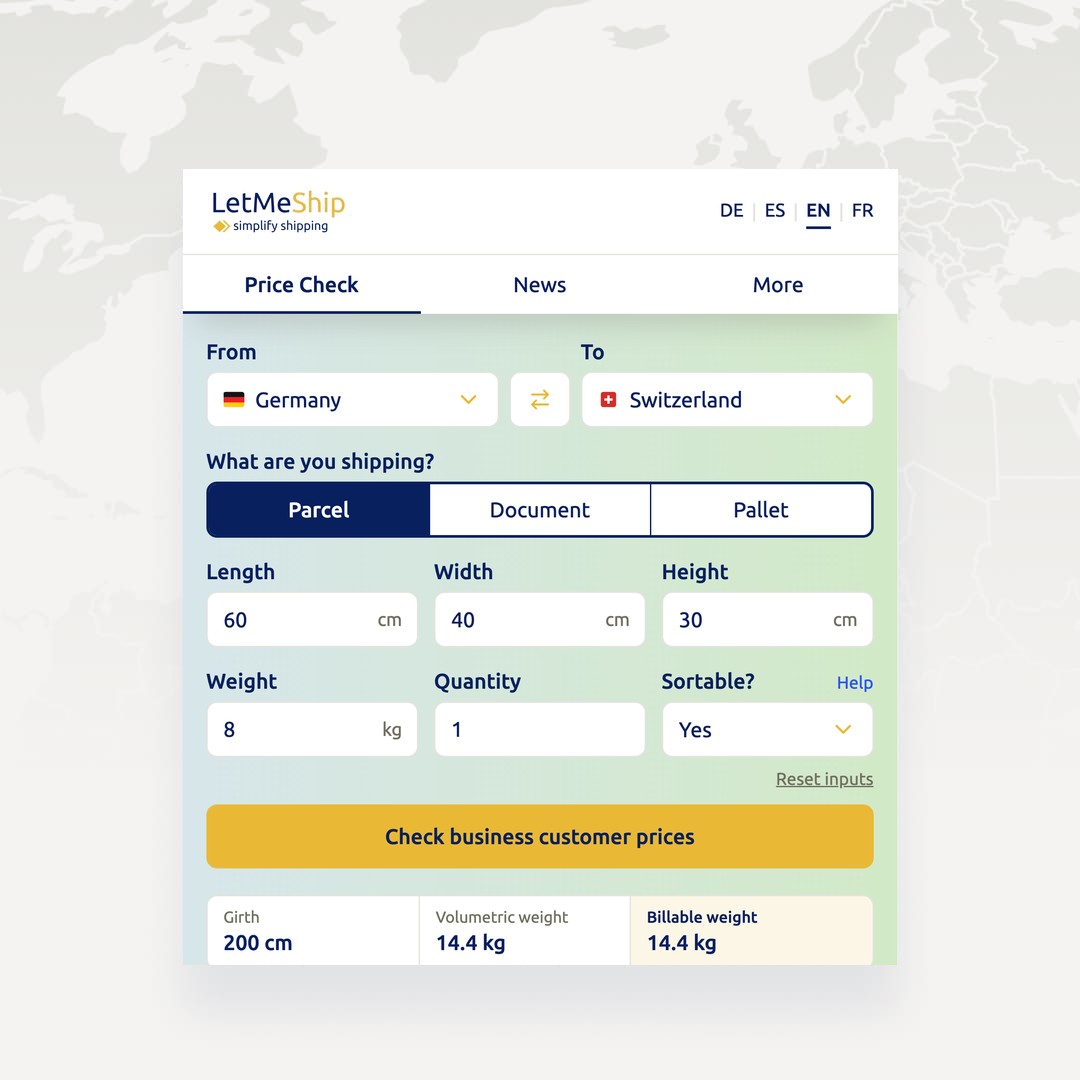
Dimensions at a glance
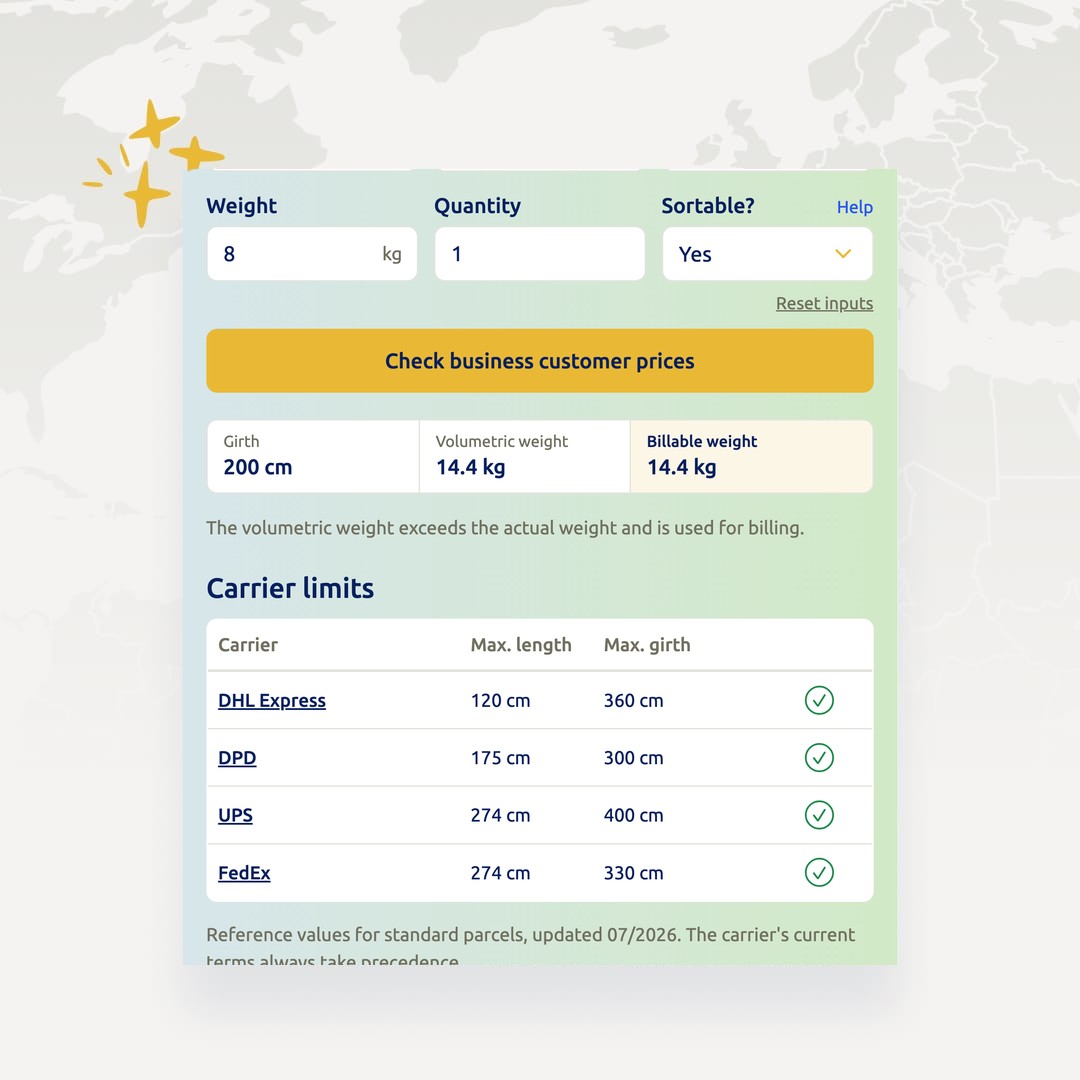
Girth, volumetric weight and carrier limits
Enter dimensions and weight, and the extension instantly shows the girth, the volumetric weight and the weight you will be billed for. It also checks them against the limits of DHL Express, DPD, UPS and FedEx. So before you book, you know which carrier accepts the shipment and where surcharges are likely.
Note: Publicly researched reference values, as of July 2026. The carrier’s own specifications at the time of booking always apply.
News
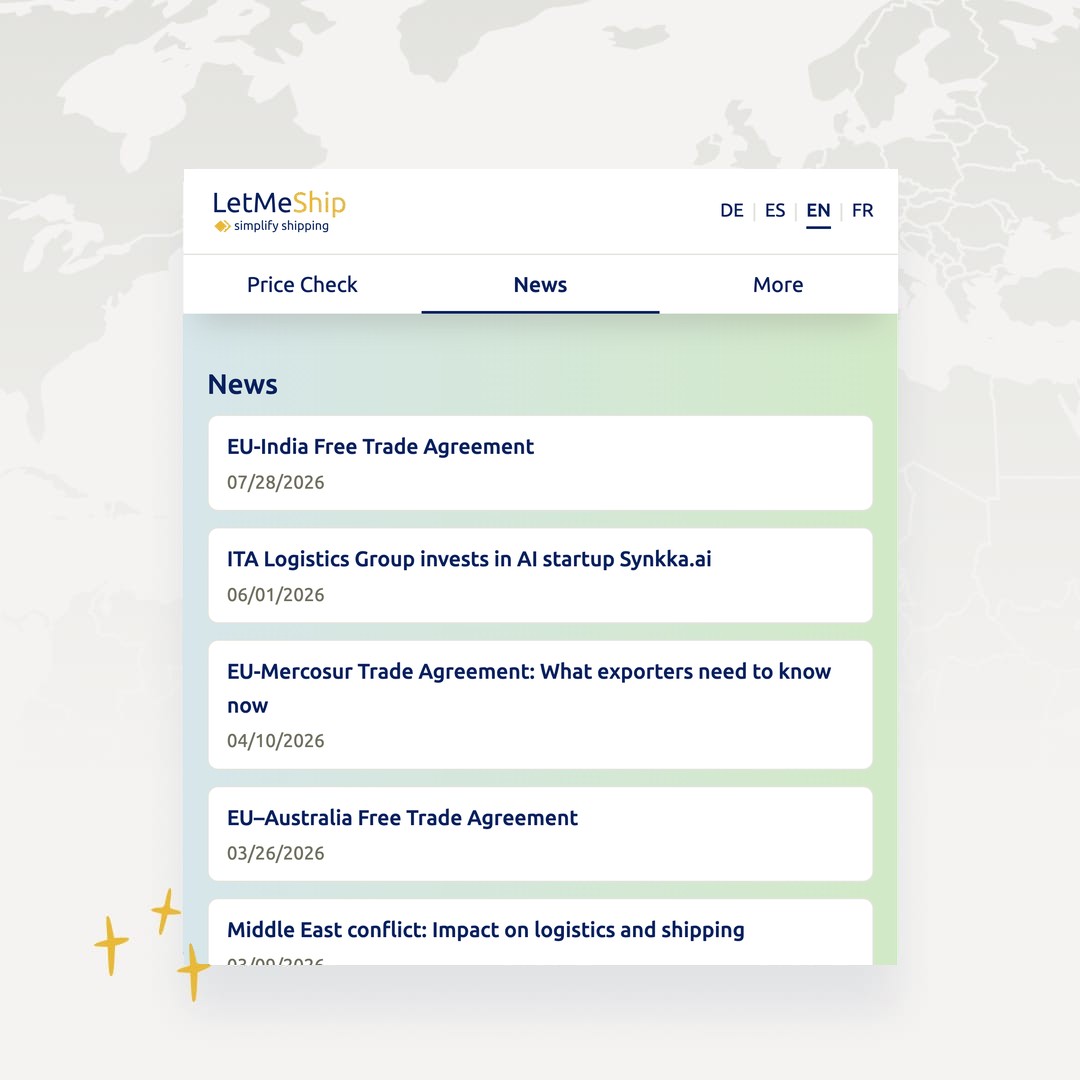
Shipping news without searching
The five latest posts from letmeship.com appear right in the pop-up. A dot on the icon tells you when there is something new.
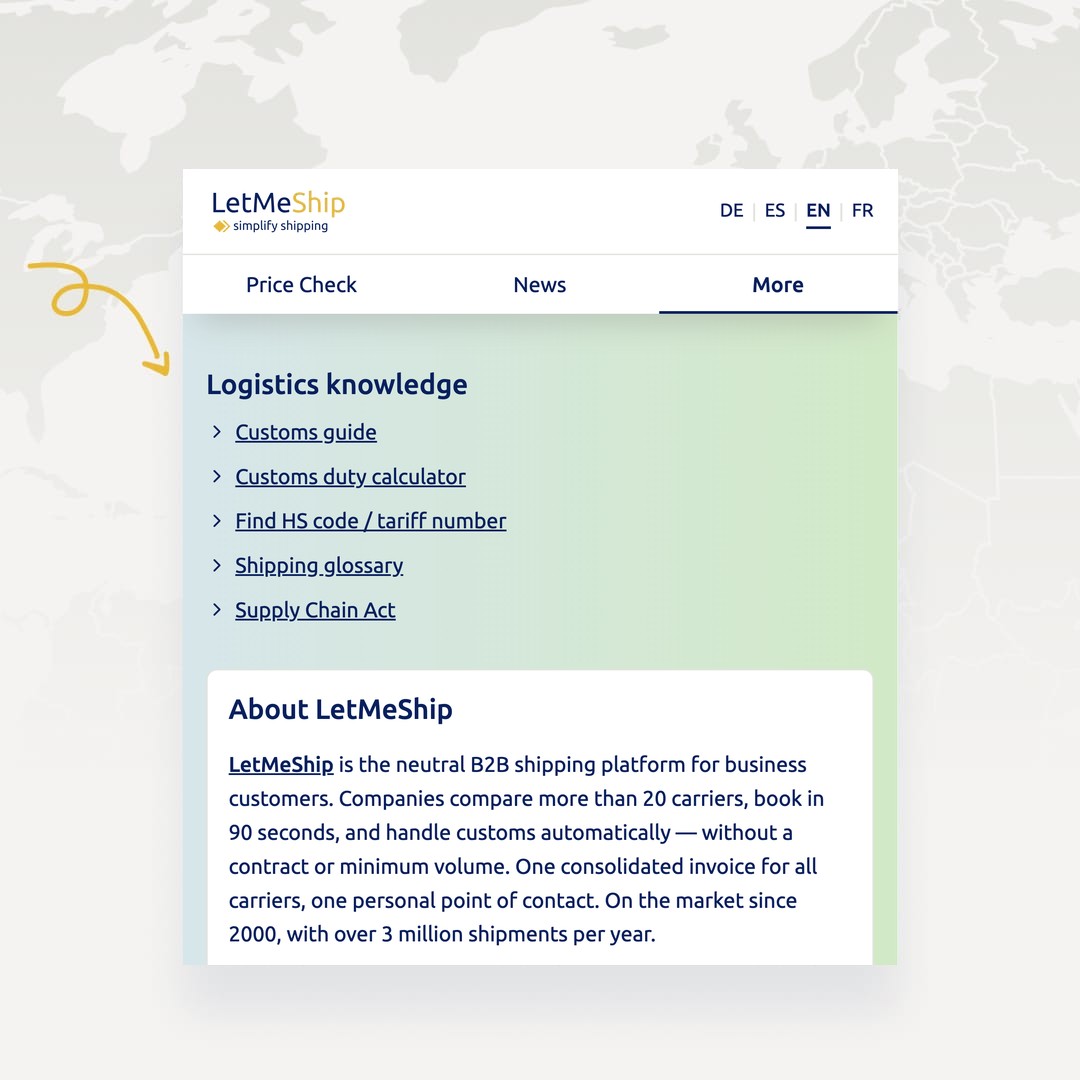
Logistics knowledge
Customs tools and guides at hand
The import duty calculator, the HS code finder and our customs guides are one click away. The extension shows what is available in your language.
Privacy
What the extension can and cannot do
The Shipping Assistant stores your last selection locally in your browser only. It does not ask for account details and does not pass any shipment data to third parties. The extension requests exactly three permissions:
| Permission | What it is needed for |
|---|---|
| Local storage | Remembers language, route, shipment type and dimensions so the pop-up keeps its state the next time you open it. None of it leaves your browser. |
| Background check | Checks twice a day whether a new post is available and sets the dot on the icon. |
| Access to www.letmeship.com | Loads posts and the language versions of our guides via the public interface of our own website. |
For the booking flow on next.letmeship.com, the extension deliberately requests no permission: it opens the page in a new tab. Full details on data processing are in our privacy policy.
FAQ
Frequently asked questions about the Shipping Assistant
How much does the Shipping Assistant cost?
Nothing. The extension is free, and so is using the shipping platform, with no contract and no minimum volume. You only pay for the shipments you book.
Which browsers is the extension available for?
Google Chrome, Microsoft Edge and Mozilla Firefox. Other Chromium-based browsers can usually install the Chrome or Edge version, but we have not tested them.
Do I need a LetMeShip account?
Not for the price check. Only booking on LetMeShip Next requires an account. Registration is free.
What data does the extension store?
Only your own most recent inputs: language, origin and destination country, shipment type, dimensions, weight and quantity, stored locally in your browser. Nothing is transmitted. “Reset inputs” clears the values at any time, and removing the extension deletes them anyway.
Does the extension calculate shipping rates itself?
No. It passes your details to the booking form on LetMeShip Next, where you start the comparison with one click. The extension only calculates girth, volumetric weight and billable weight.
Which carrier limits are included?
Size and weight limits for DHL Express, DPD, UPS and FedEx, as publicly researched reference values as of July 2026. They do not replace the carrier’s specifications at the time of booking.
Add the Shipping Assistant to your browser
Free, installed in two clicks, removable at any time.
Prefer not to use the extension? You can also calculate shipping costs directly in the shipping calculator. The Shipping Assistant is designed for business customers; LetMeShip does not offer a service for private customers.